Properties
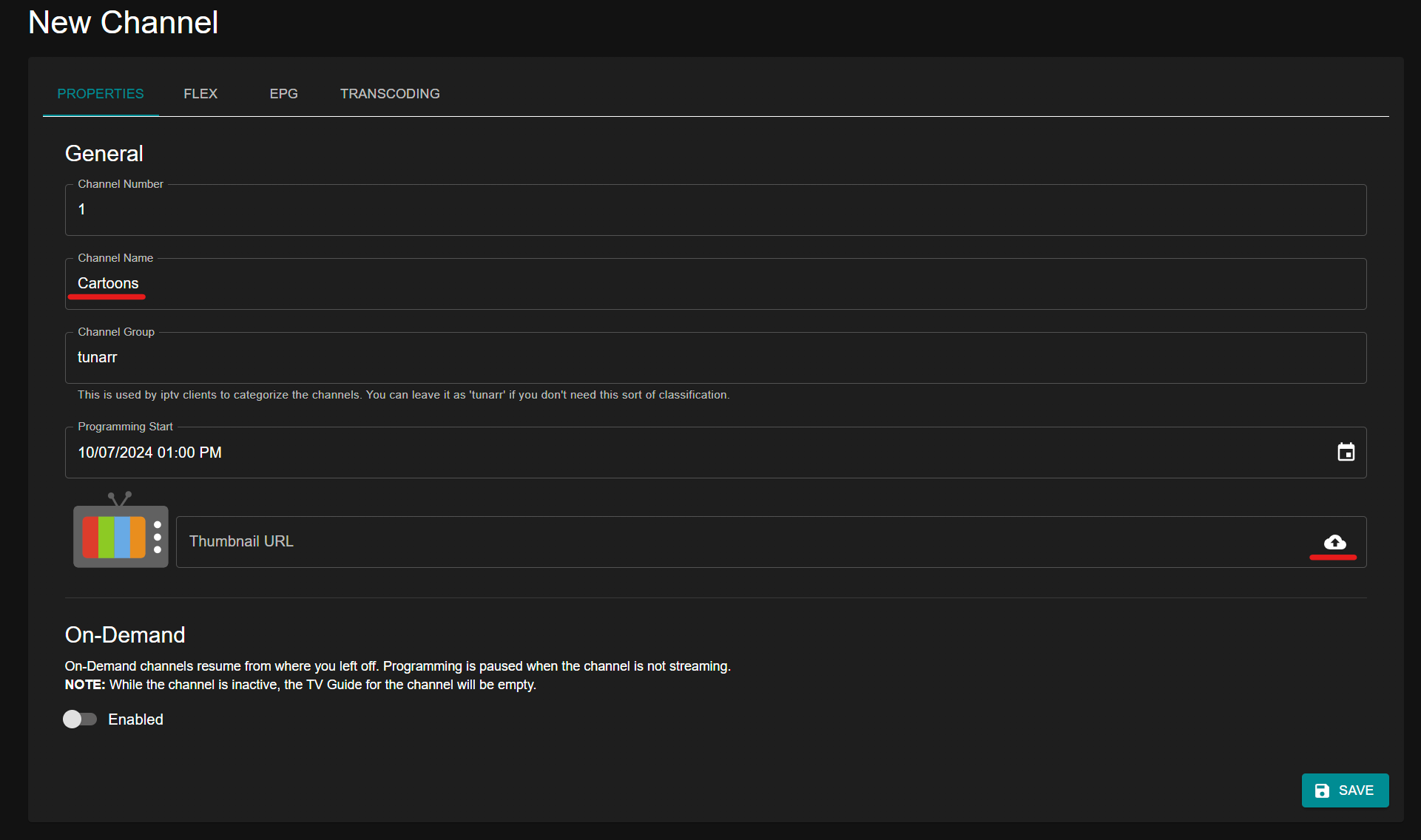
Choose a channel a name. Optionally, you can also add a thumbnail by uploading an image or providing an image URL. This will be the logo visible within your IPTV client's channel guide. Transparent .png files are supported.
Channel Icon
The channel icon has three states:
- Custom icon -- Upload an image or provide a URL. This image appears in your IPTV client's channel guide, watermark overlays, and the Tunarr UI.
- Default logo -- When no custom icon is set, Tunarr shows its default logo as a fallback. This is the default behavior.
- No icon -- Click the X button next to the icon preview to remove the icon entirely. In this state, no icon is included in the M3U playlist, XMLTV guide data, or watermark overlay. To restore the default logo after removing the icon, click the restore button.
On-Demand will allow your channels to behave similar to streaming services, where the watch states will only progress while you're actively viewing the channel. This is disabled by default, which means by default channels will behave similar to traditional televison where watch states will progress without you actively viewing the channel.
Click the "FLEX" tab if you'd like to configure optional filler content to play in-between episodes.